
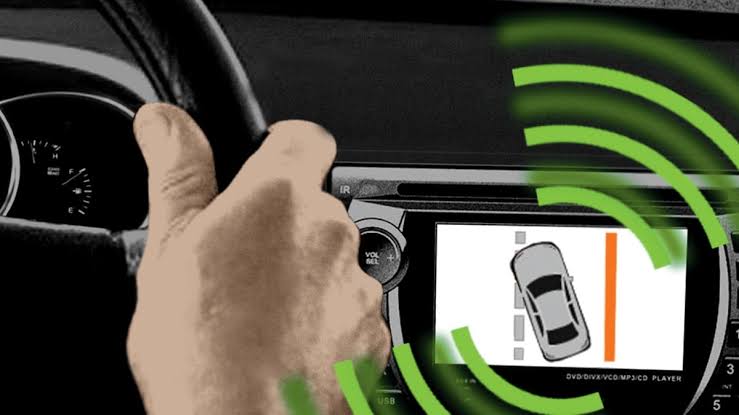
Lane assist can become unavailable even when nothing has mechanically failed. Most systems depend heavily on a forward-facing camera that must clearly identify road markings. Dirt on the windshield, poor weather, faded lane lines, changed settings, or camera calibration issues can all affect how reliably the feature operates.
Understand What the Camera Needs to See
Lane assistance works by interpreting visible lane boundaries rather than physically detecting the road edge. If markings are faded, covered, unusually narrow, or temporarily redirected through construction zones, the system may struggle.
Bright glare, heavy rain, fog, snow, and darkness can also reduce camera confidence. Temporary loss of lane assistance under those conditions does not automatically mean the camera is defective.
Drivers reading about driver-assistance systems may also encounter general automotive technology guides during their research. The vehicle manual remains especially important because manufacturers use different icons, operating speeds, and activation conditions.
Clean the Camera’s Viewing Area
The forward camera is commonly mounted behind the upper center portion of the windshield. Even though the camera itself is inside the vehicle, dirt, frost, condensation, stickers, or windshield damage in front of it can obstruct its view.
Clean the exterior and interior glass carefully without disturbing the camera housing. Make sure nothing has been attached to the windshield where it could block the camera’s field of view.
General vehicle care information can provide context for routine maintenance, but lane-assist troubleshooting should begin with the actual sensor location specified for your vehicle.
| Behavior | Possible Reason | First Check |
|---|---|---|
| System unavailable | Camera view blocked | Clean windshield |
| No lane detection | Faded road markings | Observe road conditions |
| Warning after glass work | Calibration changed | Check service requirements |
| Feature seems inactive | Setting disabled | Review driver menu |
Review the Driver-Assist Settings
Lane assist is often adjustable through steering-wheel controls or an infotainment menu. Some vehicles separate lane-departure warning from active steering correction, so one function can be enabled while another remains off.
Driver profiles may also store different assistance preferences. If another person recently used the vehicle, confirm the current profile and settings before assuming there is an electrical problem.
Vehicle electrical research may lead to broader car wiring references, but a software setting is far more common than damaged wiring when a feature has simply been turned off.
Consider Recent Windshield or Suspension Work
Camera calibration can be affected when a windshield is replaced or when the camera mounting position changes. Some vehicles require a formal calibration procedure after glass replacement.
Alignment, suspension repairs, collision work, or changes affecting vehicle ride height may also matter on certain systems. If lane-assist warnings began directly after repair work, tell the technician exactly when the symptoms appeared.
Warning Lights Provide Useful Clues
A temporary gray lane icon may simply mean lane markings are not currently being detected. A persistent warning message, fault symbol, or system-disabled notification is more likely to justify diagnostic scanning.
Read the exact dashboard message instead of relying only on the color of one icon.
Common Assumptions That Cause Confusion
Lane assist is not designed to operate perfectly on every road. Expecting it to recognize missing markings, unusual construction lines, sharp curves, or snow-covered lanes can make normal limitations look like faults.
It is also unsafe to use lane assistance as a substitute for steering attention. Even a perfectly functioning system can disengage without much warning when visibility changes. The feature is assistance, not autonomous driving.
Frequently Asked Questions
Why does lane assist turn off in rain?
Heavy rain can reduce how clearly the forward camera sees lane markings. Water, spray, reflections, and reduced contrast may temporarily prevent reliable detection even when the system itself is functioning normally.
Does a new windshield require lane-assist calibration?
Some vehicles require camera calibration after windshield replacement. Requirements depend on the model and system design, so check the manufacturer’s service information or ask the glass installer whether calibration was completed.
Why does lane assist work on highways but not local roads?
Highways often have clearer, more consistent lane markings and gentler curves. Local roads may have faded paint, parked vehicles, intersections, narrow lanes, or missing boundaries that make detection harder.
Treat Repeated Warnings as Diagnostic Clues
Clean the camera area, confirm the settings, and observe whether failures happen only under difficult road conditions. If warnings remain on clear roads with visible markings, especially after windshield or collision work, professional diagnosis may be appropriate. Consistent faults are more useful to investigate than occasional disengagement caused by conditions the camera simply cannot interpret.