
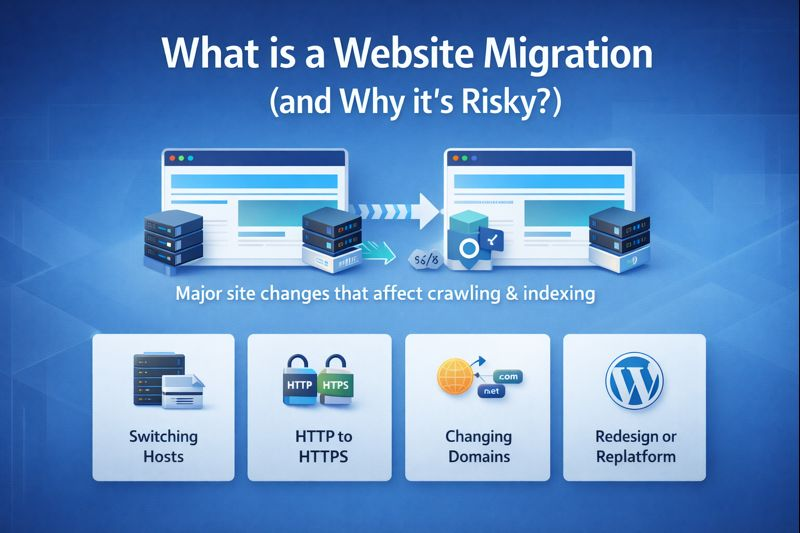
A website can keep running while hosting performance quietly gets worse. The visible symptom may come from content, code, hosting, third-party tools, or several layers at once. Start by protecting the current state and collecting evidence. For broader reading during that process, helpful hosting perspectives can be kept as a contextual reference rather than treated as a diagnosis of the site.
Slow or unstable hosting can limit a site even after front-end optimization. Warning signs include inconsistent server response, resource throttling, database delays and poor performance during traffic spikes. Before migrating, confirm that hosting is actually the bottleneck and compare platform limits, caching, support, backup and staging options against the site’s workload.
Providers and Tools That Can Support Hosting Performance
1. Kinsta
Kinsta provides managed WordPress hosting with staging, backups, caching and migration support. It can be relevant for businesses that want a managed environment and less direct server administration. Teams should still compare traffic, storage and workload requirements against the chosen plan.
2. WP Engine
WP Engine offers managed WordPress hosting with development workflows, staging and performance-related platform features. It can suit agencies and businesses that value managed operations and structured deployment tools. As with any host, plugin policies and resource limits should be reviewed before moving.
3. Cloudways
Cloudways provides managed hosting on top of cloud infrastructure and gives users more flexibility in selecting server resources. It can appeal to technical teams that want managed services but also want more control over cloud sizing and scaling decisions.
4. SiteGround
SiteGround provides WordPress hosting with managed features, backups, caching and support options. It can be a practical comparison point for small and mid-sized sites, especially when owners want a traditional hosting account with WordPress-focused tools.
5. Pressable
Pressable is a managed WordPress hosting provider with WordPress and WooCommerce focus, backups, migrations and related platform services. It may suit teams already working heavily within the WordPress ecosystem and looking for a managed operational model.
What to Confirm Before Making Changes
Request current resource usage before choosing a destination. Compare PHP workers or equivalent concurrency limits, storage, database performance, CDN, backup retention and support boundaries. Migration promises matter less than whether the new platform fits the workload. Teams can capture comparison notes alongside useful hosting operations notes while keeping vendor contracts and plan details separately.
Before production changes, agree on the exact pages or workflows that define success for hosting performance. Keep screenshots, logs or test results from the starting point, then repeat the same checks after the fix. This creates a practical acceptance test and prevents the team from relying on a single dashboard score or visual impression.
Before closing the job, make sure the team can explain the fix in plain language. The explanation should identify the failure, the evidence that confirmed it, the change that resolved it, and the check used to verify recovery. Avoid leaving only a list of plugins, commands, or settings with no reason attached. Clear notes make later maintenance safer because future changes can be compared against a known working state. They also help business owners understand which parts of the site require closer attention during future updates, redesigns, migrations, or hosting changes.
The maintenance plan should also reflect how costly a repeat failure would be. A low-traffic informational page may only need periodic checks, while a form, checkout, login, or other revenue path deserves tighter monitoring after changes. Define the most important user journey and test that journey whenever related software, content, DNS, hosting, or integrations are modified. This keeps the team focused on business impact rather than chasing every minor warning with the same urgency, and it creates a more predictable way to decide when a problem needs immediate technical attention.
Frequently Asked Questions
How can I tell whether hosting is causing slow pages?
Compare server response, CPU or process limits, database timing and performance during quiet versus busy periods. A front-end waterfall can also show whether the delay happens before page assets start loading.
Should a site migrate only for faster benchmark scores?
Not necessarily. Reliability, support, staging, backups, security, operational fit and predictable cost can matter as much as a synthetic speed test.
What should be tested after a hosting migration?
Test DNS, SSL, forms, email delivery, scheduled jobs, uploads, redirects, search, account areas and checkout if applicable. Monitor logs and uptime during the first production period.
Reduce the Chance of Repeat Problems
A hosting move should solve a measured constraint, not follow a generic “faster host” claim. Understand the current bottleneck, compare resources and test a realistic copy before changing DNS. That makes it easier to judge whether the migration actually improved reliability and speed. For broader infrastructure reading, additional hosting reading can remain part of the team’s research set.